How image generation works
What a model is doing when it makes a picture: noise to start from, a prompt to steer it, and the two numbers that decide the rest.
1 · Where an image starts: noise
Move the slider. It starts at the first pass, where the picture is only random noise: a square of coloured speckle with no shapes in it. Every image starts here.Each notch along the slider is one pass of the model. On every pass the model does the same job. It predicts which part of the picture is noise, and it removes some of it. That job is called denoising, and counts how many passes are made.Halfway along you can make out shapes. By the last pass the noise is gone. The model never copies in an existing picture. Every pixel is the result of these passes.Switch to "The model's guess" and you see what the model predicted the finished picture would be from that pass onward. Even an early prediction shows the right subject, which is why a half-finished picture looks rough and still looks like something. Sampling · One picture, pass by pass Steps of one render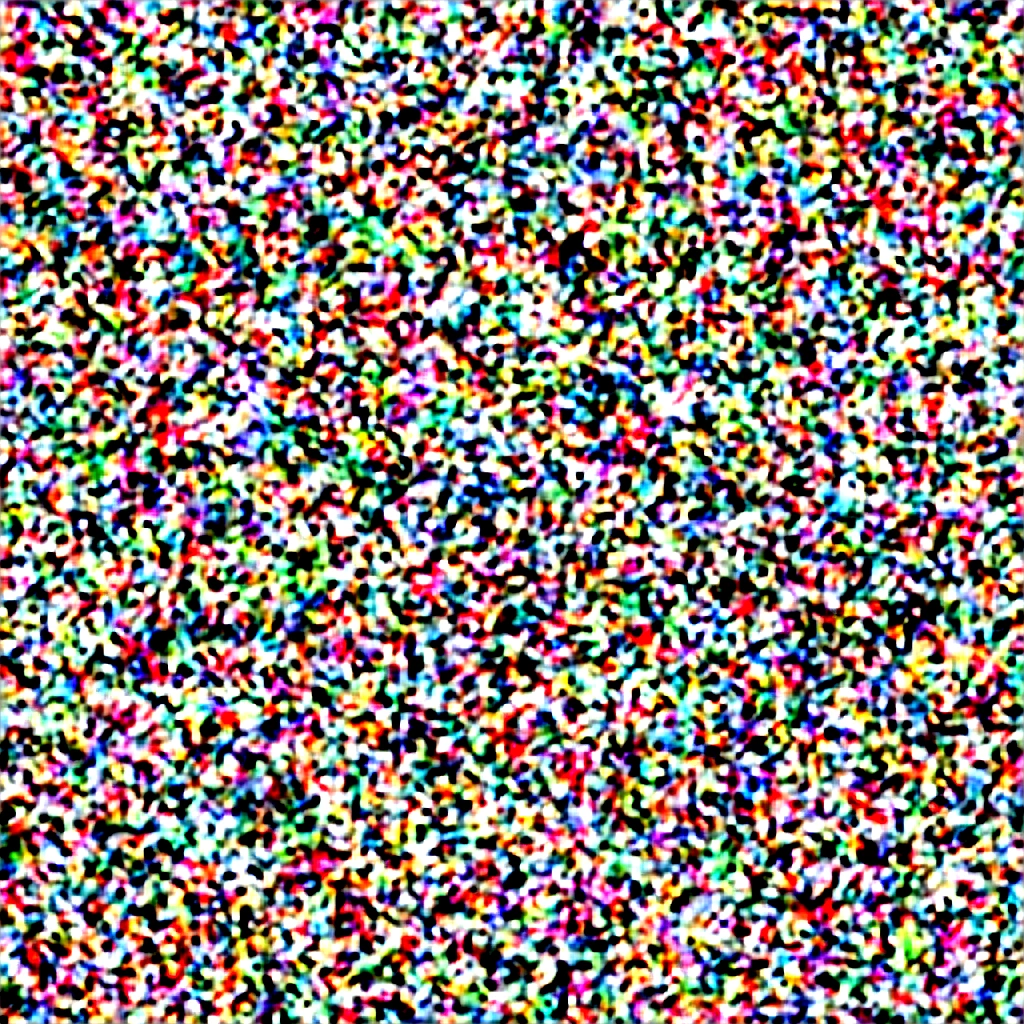 130
130One step in. Almost nothing has been taken away yet: this is the noise the render starts from, nudged once.
Fetching the example images.
2 · How the prompt is used
Your prompt is used on every one of those passes. The words are converted into numbers, which is called conditioning, and they are given to the model again at each pass. They affect the picture the whole way through.A prompt biases the picture. It is not a list of commands the model has to obey exactly. Three things follow from that: - words near the start of the prompt have more effect
- repeating a word, or weighting it with
, gives it more effect - anything you do not describe is still decided, and the model fills it with whatever was most common in its training images
works the same way in the opposite direction. What you write there biases the picture away from those things. 3 · What a model is
A model is a single large file. What it holds is numbers, called weights.It was made by adding noise to millions of images that came with a text description, and training the network to remove that noise: the same job you just watched. The training images are not stored in the file.What those numbers hold is a statistical average of how things usually look: the way light falls on skin, how the parts of a bicycle fit together. That is why a prompt describing something common gives a better picture than a prompt describing something rare.Different were trained on different sets of images, which is why each one has its own look and its own strengths. 4 · Steps and guidance
Two settings decide how the passes you just watched are made. is how many passes the model makes. Too few and the picture stays vague. Past a point the extra passes cost time and without changing much. The pictures on this page are the same request at step counts from 2 to 50. , called guidance, sets how closely the picture is held to your words. Low, and the model has room to invent, so the picture is pleasant but may not be what you asked for. High, and every word is forced in, so the colours go harsh and the picture looks overdone. Between 5 and 10 suits most models.The settings reference gives the workable range for each. Sampling · Interactive explorer Steps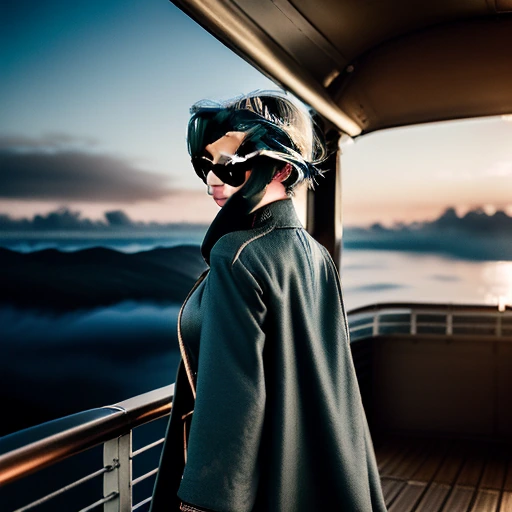 250
250Detail starts to settle and small features become readable.
Fetching the example images.
Sampling · Interactive explorer Guidance (CFG) 120
120Comfortable adherence with colour still behaving.
Fetching the example images.
5 · Why the same prompt gives a different picture
The starting noise is generated from a single number, and that number is .The same seed with the same model and settings gives the same image every time. A fresh seed gives a different picture from the same words, which is what the pictures here are, and why running a prompt again is a fair way to look for a better result.That is also why the seed is normally left blank, and fixed only once you have a picture you want to refine. is the method that runs the passes. Some samplers add a small amount of fresh noise back at each pass. With those, changing the step count changes the picture itself, even with the seed fixed. across the horde also differ in hardware and software, so an exact match to someone else's image is not something to expect. Sampling · Interactive explorer Seed Seed ASeed F
One draw of this prompt. Every other strip in this library holds this seed.
Fetching the example images.
6 · Now make one
That is the whole process. An image starts as noise. The model removes the noise over a number of passes. Your prompt is applied on every pass. The seed, the step count and the guidance decide the rest.The tutorial goes through one real field by field and ends with you pressing Generate, which is the quickest way to make any of this stick.