Settings reference
Every setting the control panel has, in the order the panel shows them. Each one says what it is in a sentence, then goes as deep as you want to read. In the panel the cards start closed, each showing what it is set to; when an image is close but not right, change one thing at a time and hold the seed so you can see what the change did.
Prompt
Model & style
LoRAs & embeddings LoRAs and textual inversions are small add-on files that bias a model towards a character, a style or a concept. Embeddings A textual inversion, or embedding, teaches a model one new word that you then use in your prompt. Model suggestions The “Suggested” lines a control shows come from the selected model's own reference entry.
Size
Width & height How large the picture is drawn, and which way round. Native resolution The size a model was trained at, which is the size it knows a whole scene at. Going past native size What goes wrong when you ask for a picture much larger than the model's native size.
 Hires fix Renders at the model's native size first, then upscales that image and refines it.
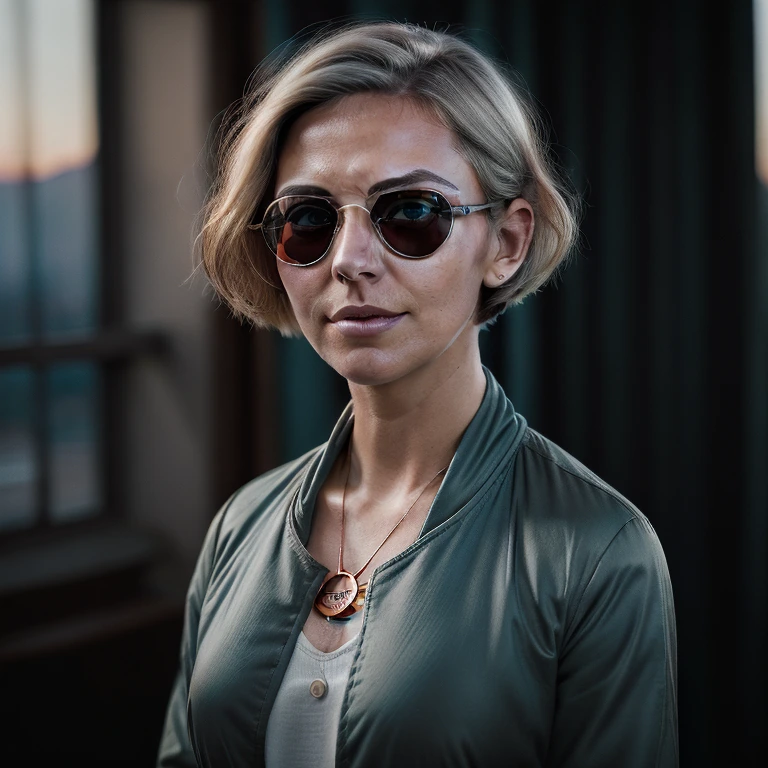 Hires denoise How much the hires pass is allowed to repaint the upscaled image.
Native resolution The size a model was trained at, which is the size it knows a whole scene at. Going past native size What goes wrong when you ask for a picture much larger than the model's native size. Hires fix Renders at the model's native size first, then upscales that image and refines it. Hires denoise How much the hires pass is allowed to repaint the upscaled image. Source image
Source image mode Attach a picture and the model starts from it instead of from nothing. There are four ways it can be used, and they are not variations on one idea.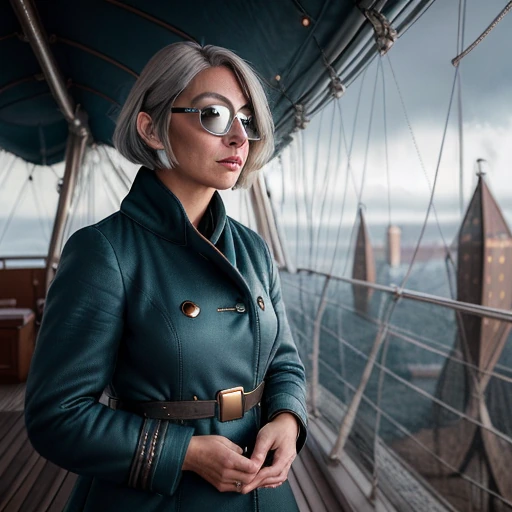 img2img Redraw a picture you already have, keeping as much or as little of it as you choose.
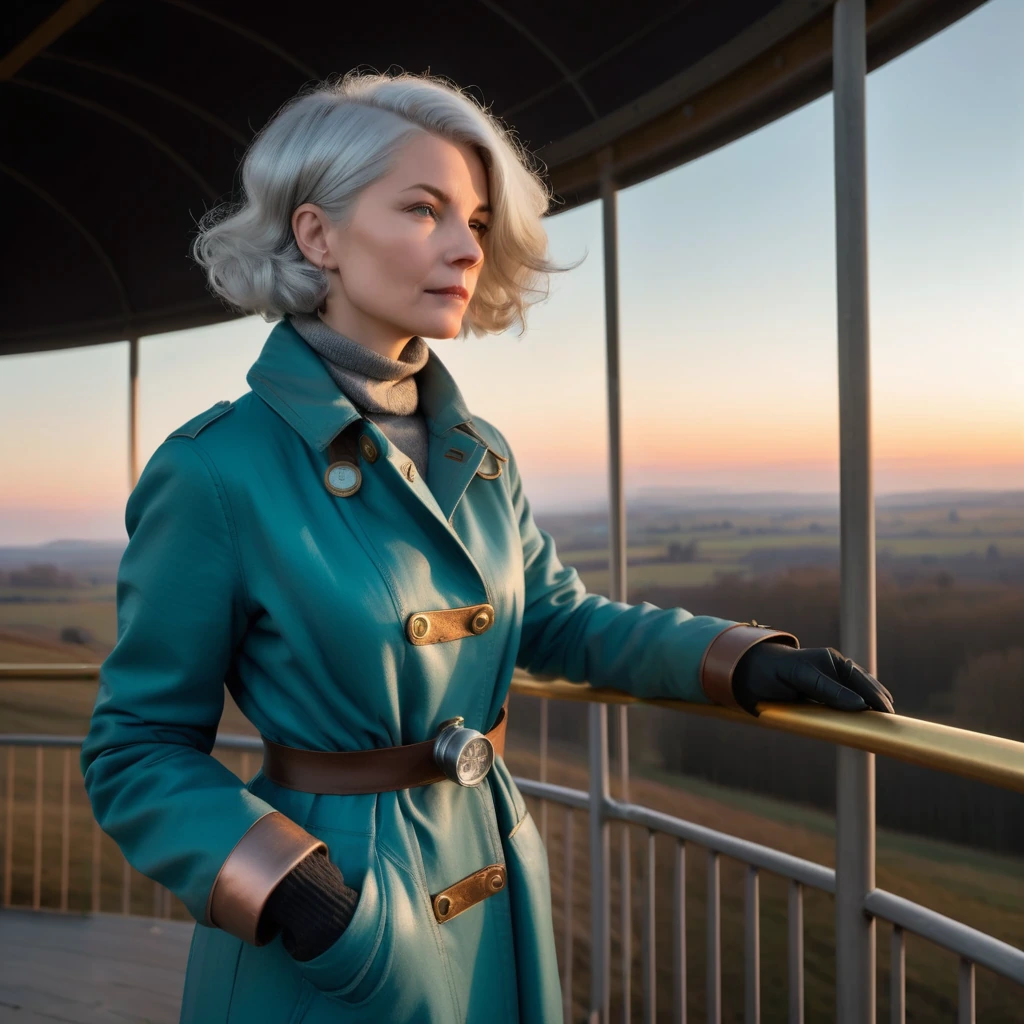 Painting a mask Redraw only the part you paint over, starting from what is already underneath it. Inpainting Replace the part you paint over with something new, and leave the rest alone.
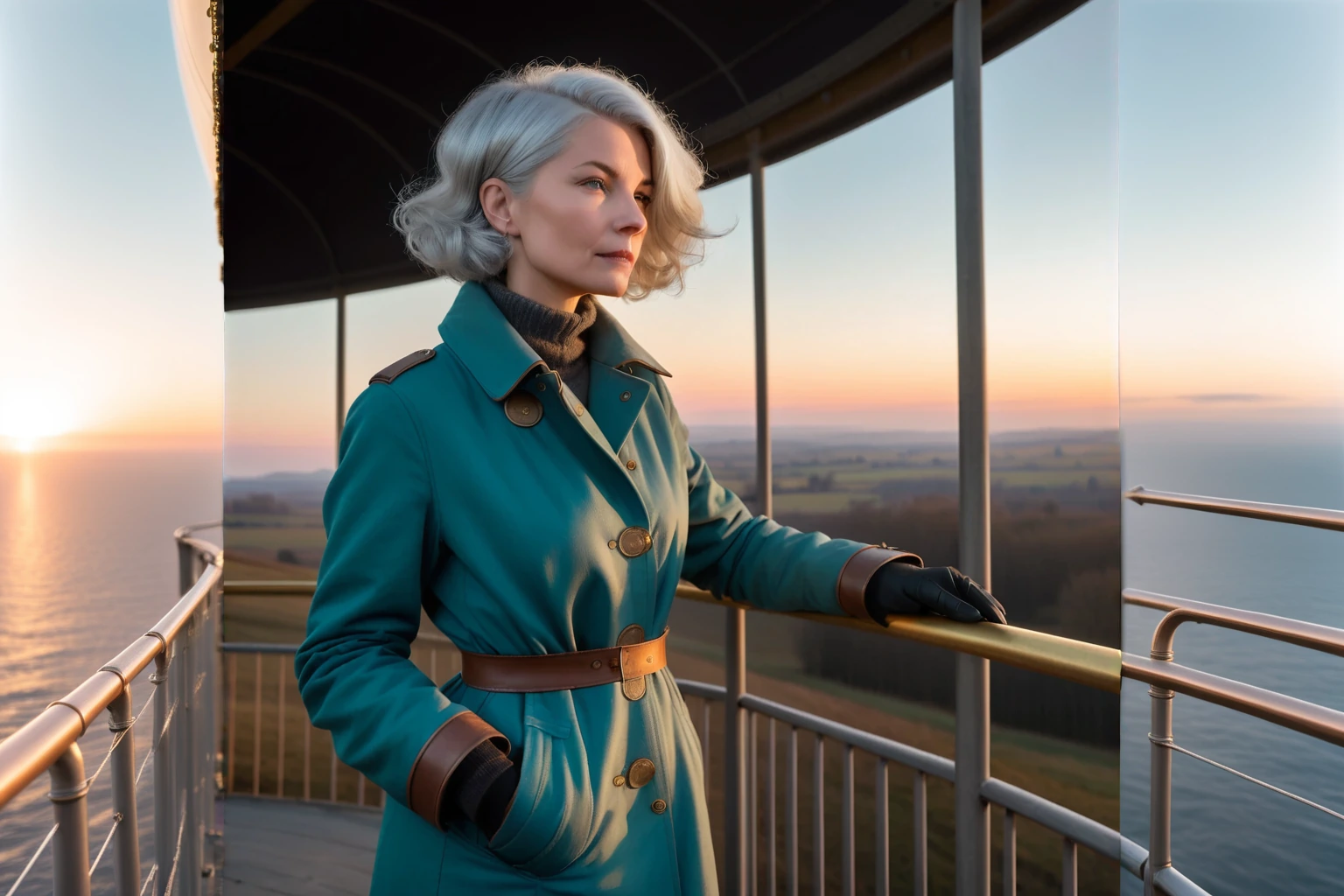 Extending the canvas Grow the picture outwards and let the model fill in what was never there. Remix Blend your picture with several others and let the model find something between them. Denoising strength How much of your source image the model is allowed to repaint. Control type Which map of your picture the image follows.
 Control strength How closely the image follows the control map a detector drew from your picture. Control map Where the control map comes from, and how to get it back on its own.
img2img Redraw a picture you already have, keeping as much or as little of it as you choose. Painting a mask Redraw only the part you paint over, starting from what is already underneath it. Inpainting Replace the part you paint over with something new, and leave the rest alone. Extending the canvas Grow the picture outwards and let the model fill in what was never there. Remix Blend your picture with several others and let the model find something between them. Denoising strength How much of your source image the model is allowed to repaint. Control type Which map of your picture the image follows. Control strength How closely the image follows the control map a detector drew from your picture. Control map Where the control map comes from, and how to get it back on its own. Sampling
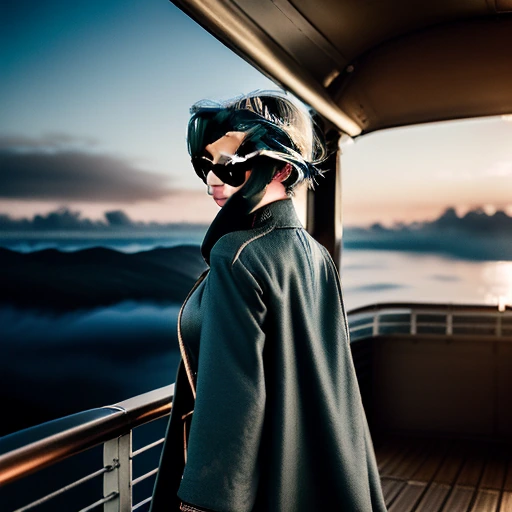 Steps How many denoising passes the model makes on its way from noise to a picture.
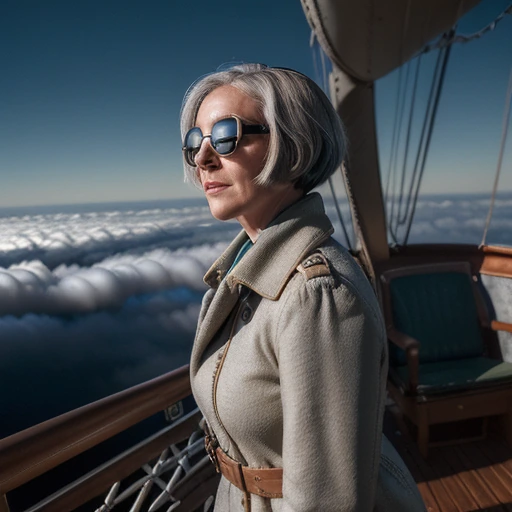 Guidance (CFG) How strictly the model is pushed to follow your prompt.
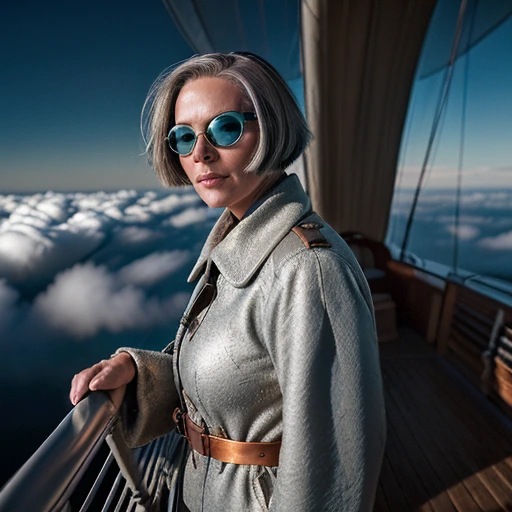 Sampler The algorithm that turns the starting noise into an image.
 Schedule Which noise schedule the sampler walks: where its stops sit between noise and picture.
 Sampler settings The fine controls a sampler exposes: how much fresh noise it adds back, when, and which internal solver it runs.
 Flow shift Moves where a flow-matching model spends its steps, between coarse structure and fine detail.
 Seed The number the image's starting noise is generated from.
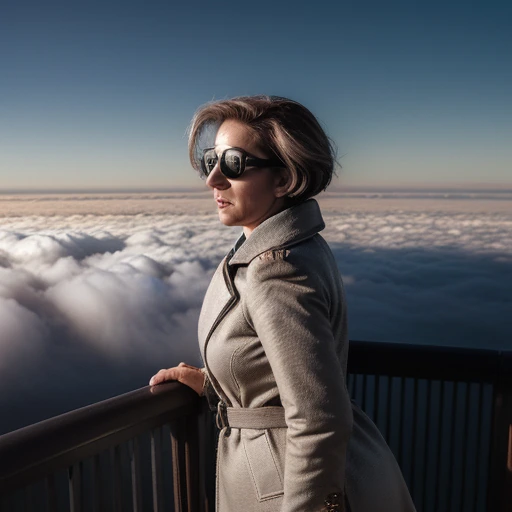 CLIP skip Stops reading your prompt this many layers before the end of the text encoder.
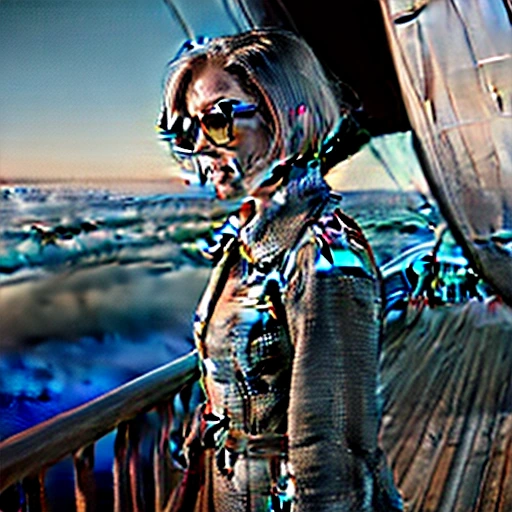 Karras sigmas Spaces the sampler's noise levels using the Karras schedule instead of the default one.
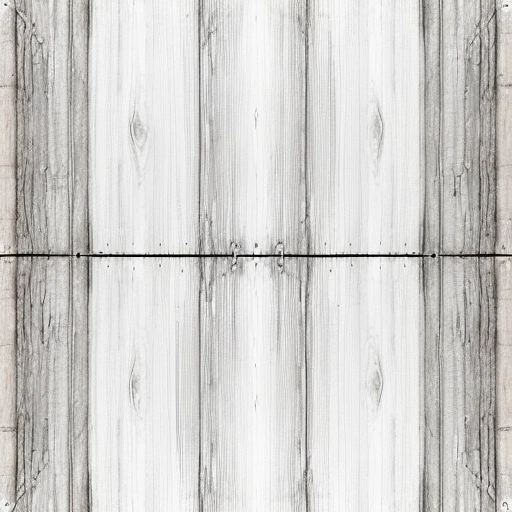 Tiling Makes the edges of the image wrap, so copies laid side by side join without a seam.
 Finishing
 Upscale Enlarges the finished image with a dedicated upscaling model. Face fix Runs a face restoration model over the result. Face fix strength How strongly the face fixer is applied. Remove background Cuts the subject out of the finished image and leaves the background transparent. Batch count How many images this one request asks for. NSFW Marks the request as possibly not safe for work, so only workers that accept those jobs pick it up. Censor NSFW Asks workers to return a censored placeholder if the result trips their NSFW detector.
 Horde
Trusted workers Restricts the request to workers the horde has marked as trusted. Slow workers Lets slower workers pick the request up. Extra slow workers Also allows the slowest workers on the network to take the request. Allow downgrade Lets the horde quietly reduce the request rather than refuse it when you cannot afford its full cost. Filter suspicious prompts Lets the horde replace words its filters flag instead of rejecting the whole request. Webhook URL An http(s) address the horde POSTs each finished image to. Worker targeting Pins the request to named workers, or in avoid mode keeps those workers off it. Remembering extras Keeps the webhook URL and the worker list in this browser between visits.